Lesson 7
Maintenance
Submit, assign, and track work orders with status updates and photos.
Your progress7Maintenance8Resources & Videos
Start here
Work through each step in order, then mark the lesson complete when you are ready to continue.
01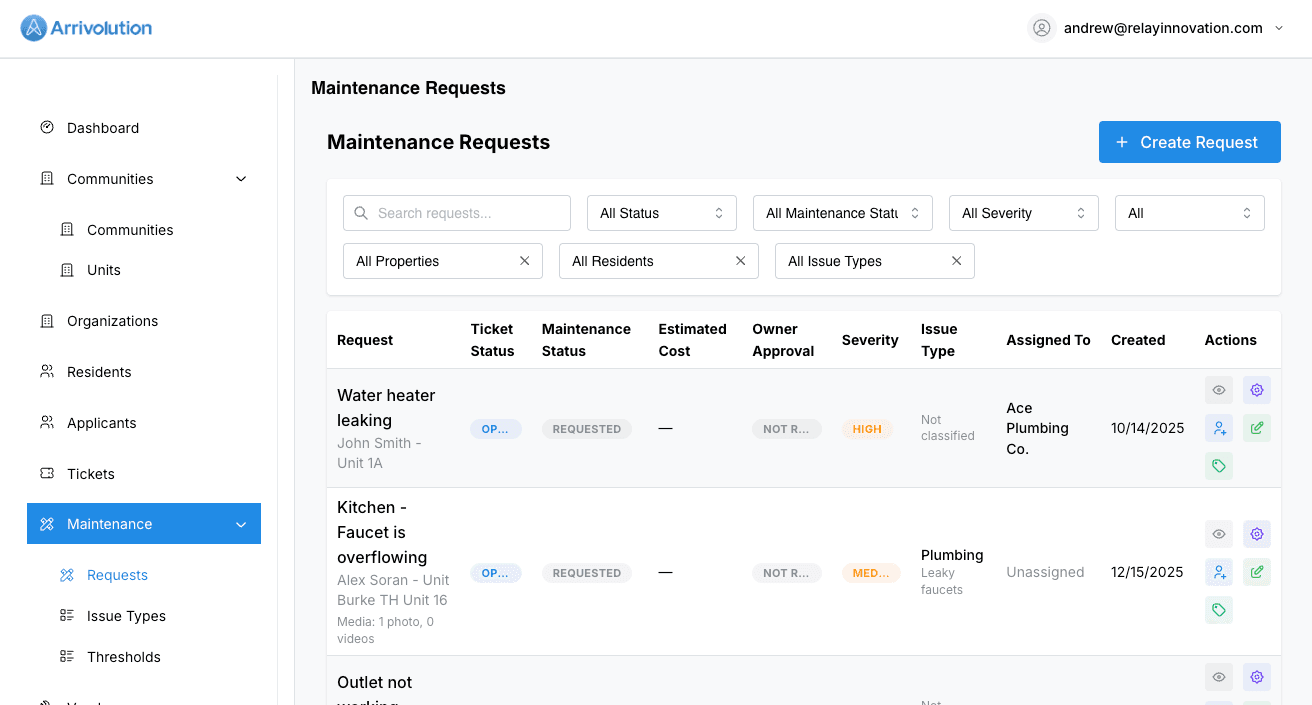
Submitting a request
Residents submit maintenance requests through their portal with a description, category, urgency level, and optional photo uploads.
02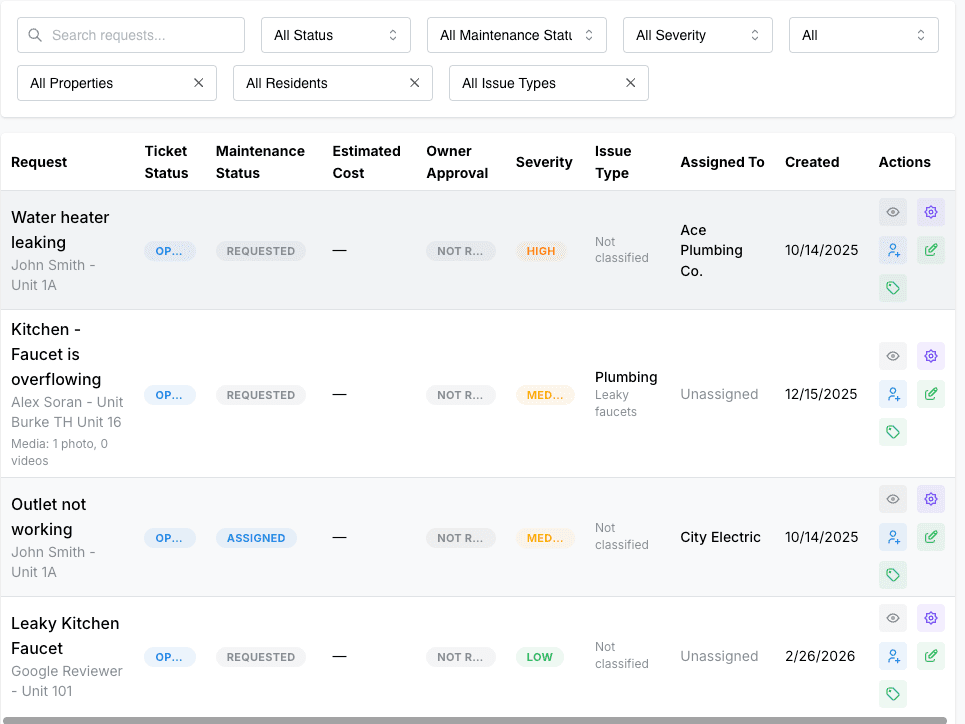
Assigning & tracking
Managers review incoming requests, assign them to maintenance staff or vendors, and update status as work progresses. Residents are notified at every step.