Lesson 3
Platform Overview
A bird’s-eye view of properties, applicants, leases, and payments.
Work through each step in order, then mark the lesson complete when you are ready to continue.
A 5-minute walkthrough of the entire platform — from properties to payments.
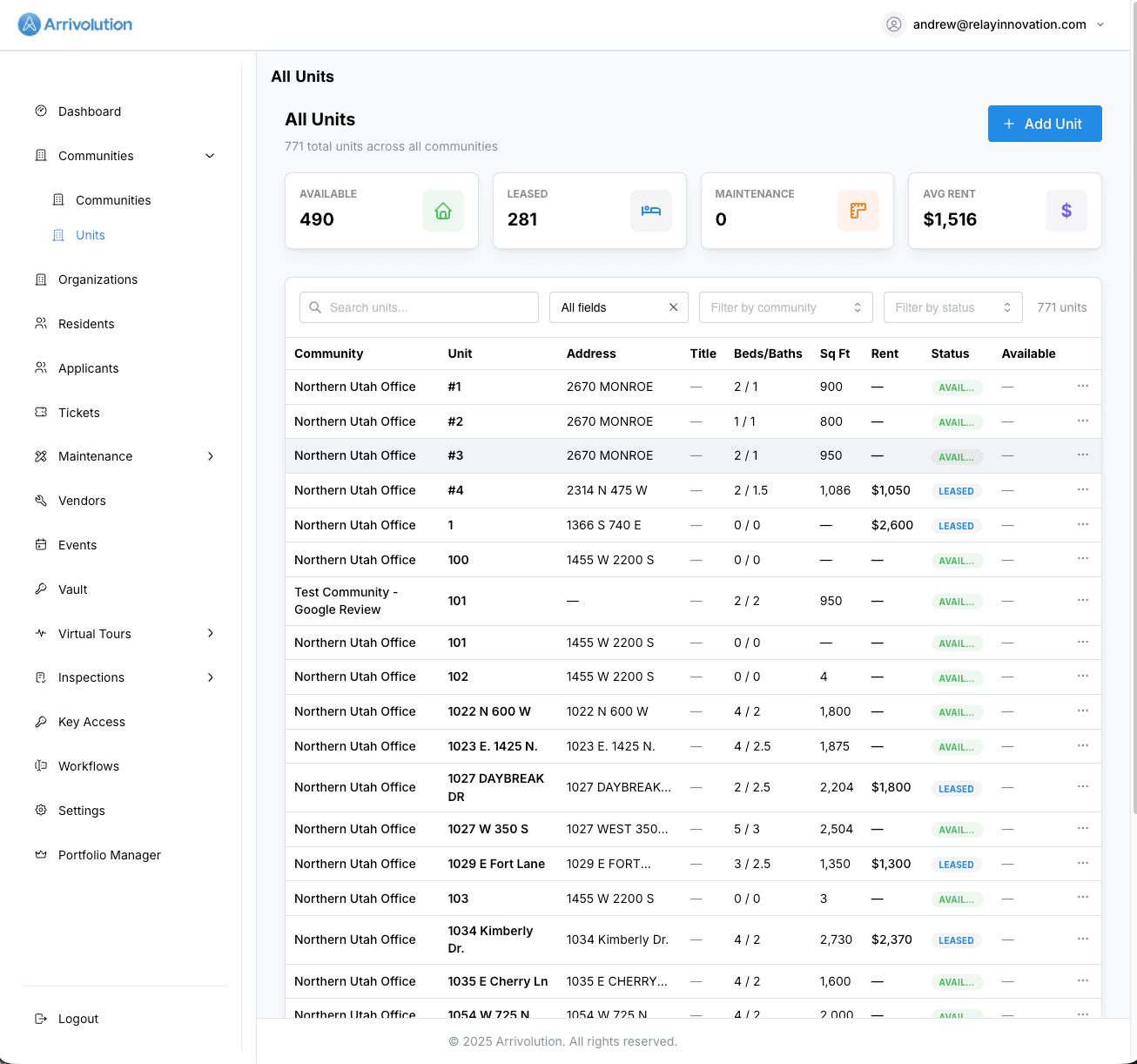
Properties & Rentable Units
Manage your entire portfolio in one place. Add properties, define rentable unit types, set pricing, and track occupancy — all from the Properties section.
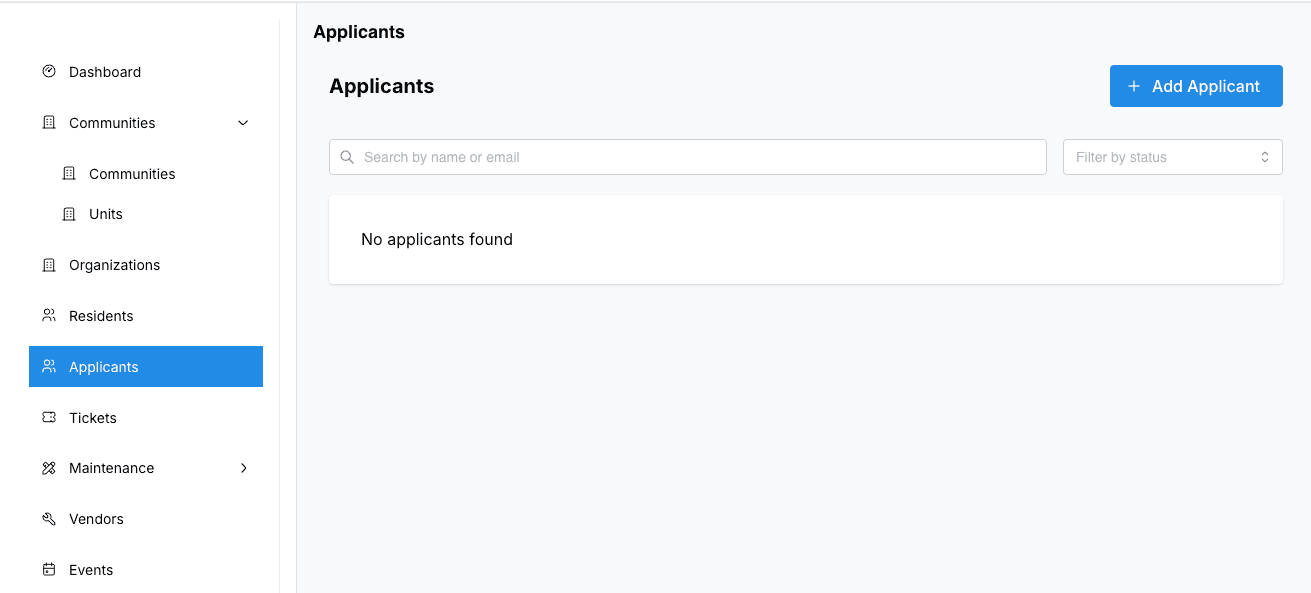
Applicants & Screening
Review incoming applications, run background checks, and approve or decline tenants. Every step is tracked with a clear status timeline.
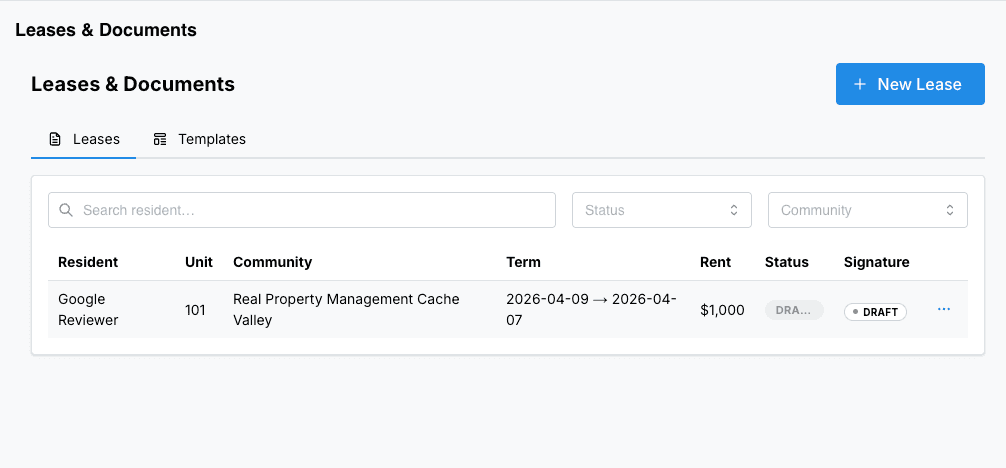
Leases & Documents
Generate leases, collect e-signatures, and store all documents securely. Templates make it easy to stay consistent across properties.
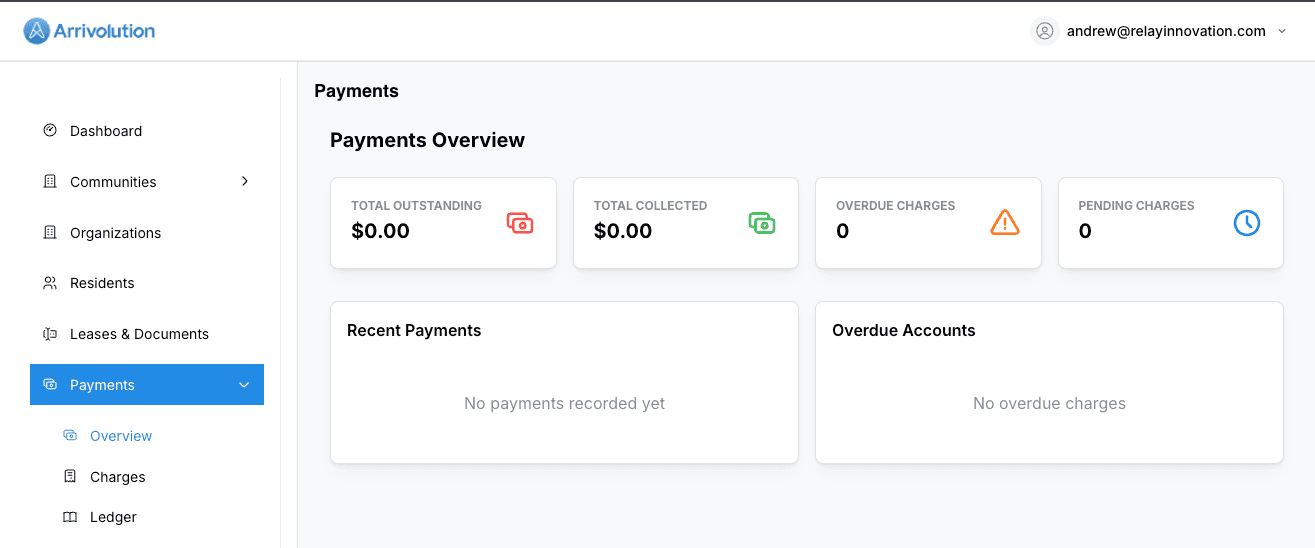
Payments & Ledger
Collect rent online, track payment history, and generate financial reports. Residents can set up autopay for hassle-free transactions.